
Join Our GMAT Preparation Group
Prep with like-minded aspirants; Get access to free daily tests and study material.
Educational materials for GMAT preparation
Join Our GMAT Preparation Group
Prep with like-minded aspirants; Get access to free daily tests and study material.
No charts match your search.
Follow these steps to get the most out of every chart
Filter through chart categories using the pills at the top, or quickly find a chart type by typing its name in the search bar.

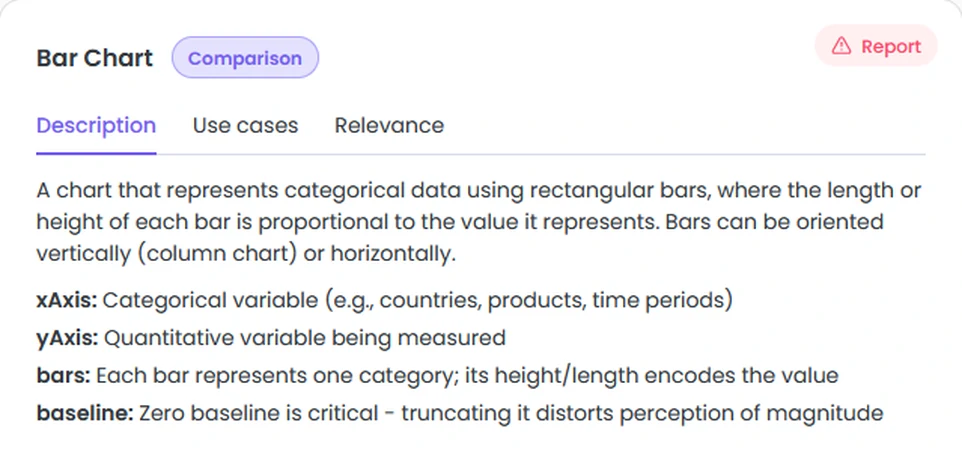
Each card has three sections - Description, Use Cases, and GMAT Relevance. Open them to understand what the chart shows and how it might appear on the exam.
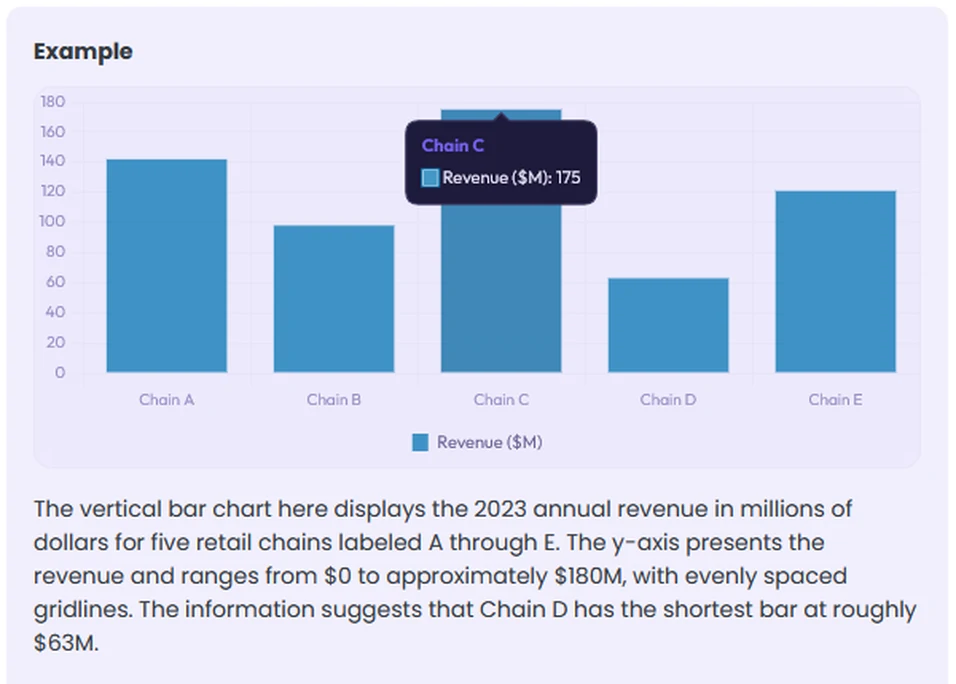
Scroll down on any card to see a live, interactive chart rendered from realistic sample data. Hover over data points to explore the values.
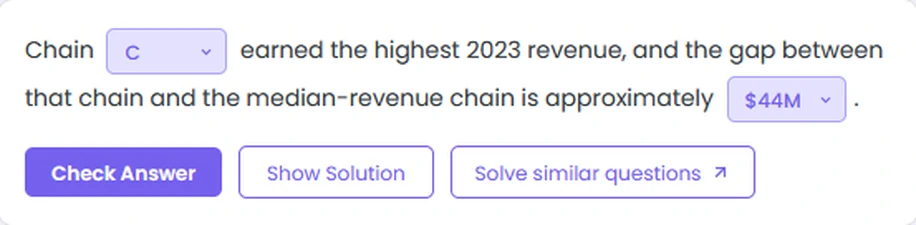
Below the chart you'll find a GMAT-style question. Read it carefully - it mirrors the format and phrasing used in the Data Insights section on test day.
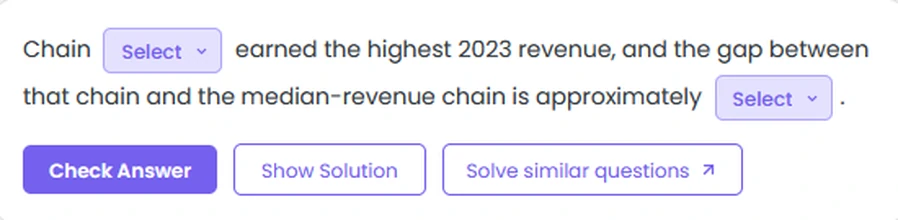
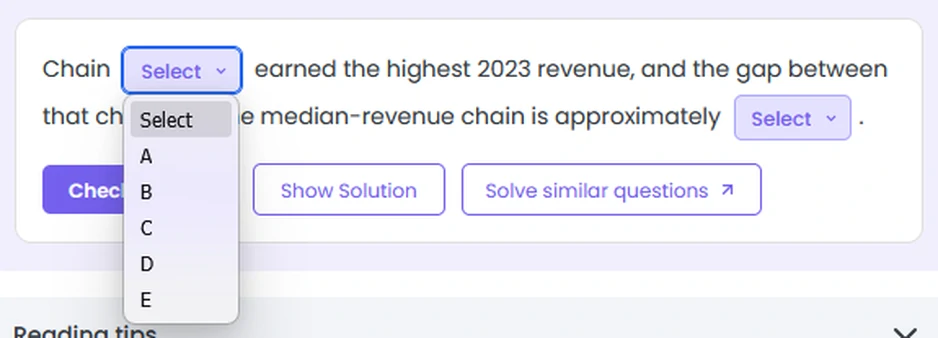
Use the dropdown(s) to fill in the blank(s). Treat it like the real exam - commit to your answer before moving on.
Click Check Answer to submit. You'll instantly see whether each blank is correct or incorrect.
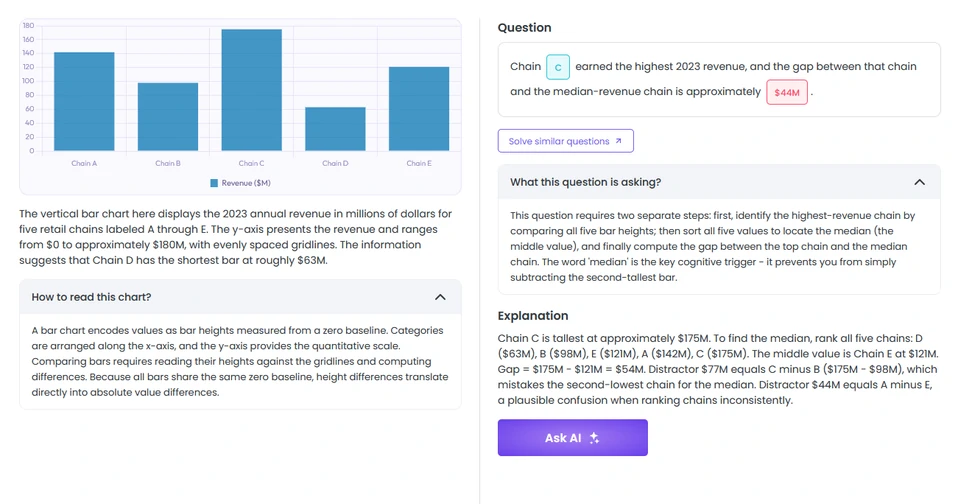
The answer section breaks down three things: how to read this chart type, what the question was really testing, and a full worked solution so you understand the reasoning - not just the answer.
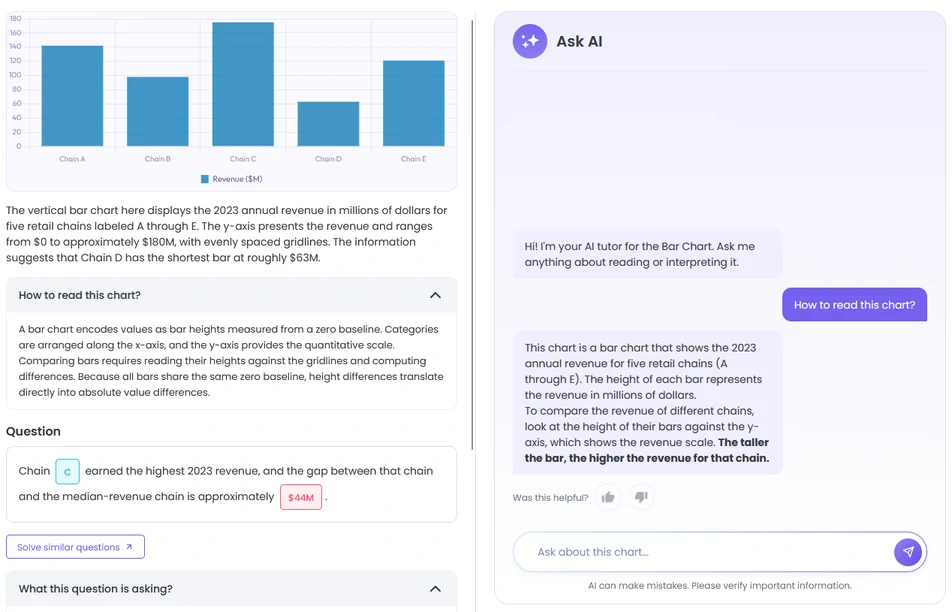
After checking your answer, click Ask AI in the bottom-right of the answer panel. A chat window opens - ask anything about that specific chart type, how to read it, common GMAT traps, or how to approach similar questions. The tutor is scoped strictly to the chart you're currently viewing.
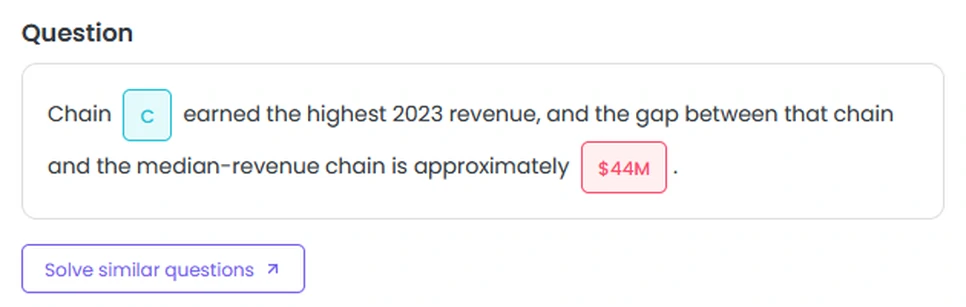
At the bottom of the answer modal or at the top of the chart type card, look for the Solve Similar → link. Click it to try a full GMAT-level question on this chart type from our Question Bank - with official-style answer choices.
AI can make mistakes. Please verify important information.
Pick one or more reasons, or just describe the issue below.
Thanks! Your feedback has been recorded.